
Training design
How to make an HSE training deck more impactful
Build slides around decisions and practice, with clear visuals, readable layouts and an assessment that matches the learning objective.
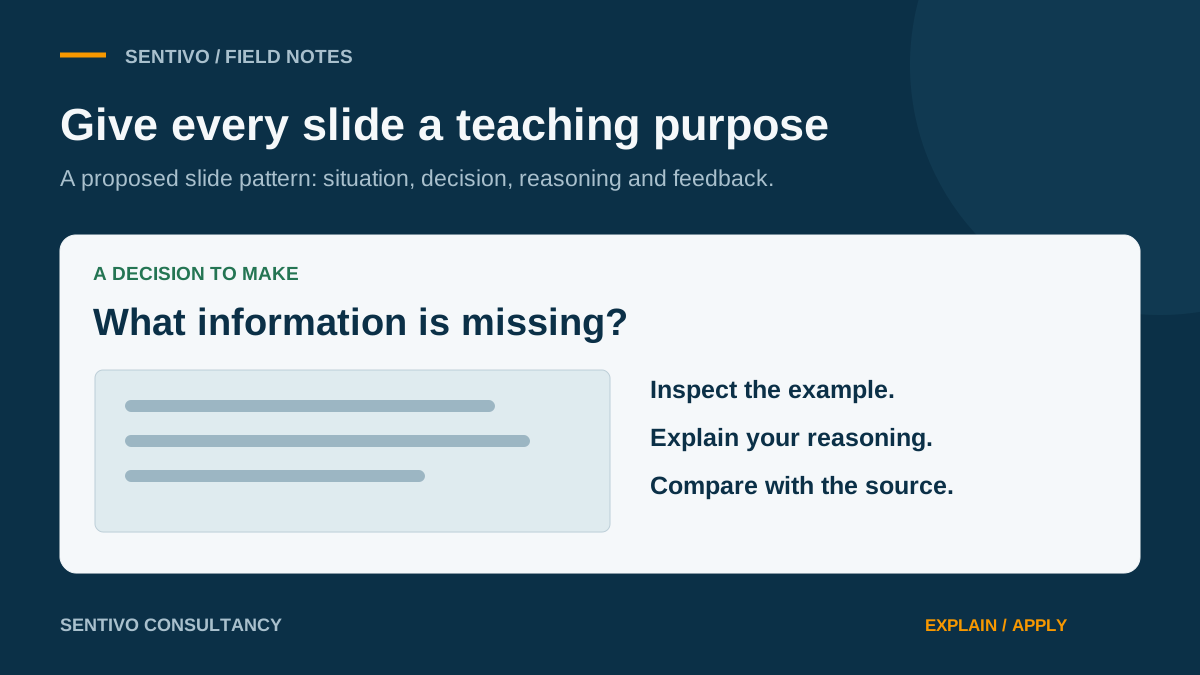
An HSE slide deck needs to help a trainer explain the work, question assumptions and see how learners respond. A polished presentation can support that purpose, but its appearance alone does not demonstrate learning.
OSHA describes PowerPoint as a visual aid and explains that the way it is used matters. Its guidance cautions against relying on showing and reading slides as the main teaching approach. [1]
Start with a decision the learner must make
CDC’s standards require content and educational methods to align with learning objectives. [2]
Sentivo application: replace a vague planning heading such as “Awareness” with a defined outcome: “Given the task and approved checklist, identify missing information and explain the next action.” Build the slide sequence around the information needed to make that decision.
A proposed sequence is: present the situation, collect an initial response, explain the relevant principle, provide another example and check the learner’s reasoning. This is an editorial design suggestion, not a universal formula.
Give each slide a clear purpose
OSHA recommends identifying a priority message, using short logical sections and avoiding overwhelming amounts of information. [1]
During review, label each slide’s purpose: explanation, demonstration, practice, feedback or reference. If a slide has several competing purposes, consider splitting it. Keep detailed references available in the learner material or trainer notes, with enough context on screen for the activity to make sense.
Use visuals that explain the task
OSHA recommends simple illustrations and uncluttered materials. CDC calls for relevant examples and visuals, with accurate content reviewed by a subject matter expert. [1] [2]
Sentivo application: use a clearly labelled equipment diagram to explain an energy source, or an anonymised form extract to practise finding missing information. Check the visual against the lesson objective and approved source. If an illustration deliberately contains errors for an exercise, identify it as a scenario and provide a correct debrief.
Check readability in the delivery environment
OSHA’s guidance addresses readable type, contrast and white space. CDC also requires usable and accessible materials. [1] [2]
Review the deck at the screen size learners will actually see. For online delivery, test the shared-screen view on a smaller device. For a classroom, inspect the projected display from the back of the room. These are proposed practical checks; no single slide count or font rule can establish that every audience can use the material.
Plan the interaction and the answer
CDC requires learner engagement, feedback and assessments aligned with objectives. [2]
For each activity slide, prepare the question, expected reasoning, acceptable alternatives and source-based explanation. A prompt such as “Any questions?” can invite discussion, but it does not directly test a specific objective.
Review the complete teaching package
Sentivo recommends checking the deck alongside its notes, workbook, activities and answer key. Confirm that terminology, scenarios and expected answers agree. Rehearse the transitions and allow time for practice and feedback. Judge the final package by what learners are asked to do and the evidence collected from their responses.
Sources
References were checked on 30 October 2026. Numbered links connect factual claims to these sources. Examples, checklists and proposed applications identified as Sentivo’s are editorial recommendations; they are not quoted requirements or claims of proven results.
- OSHA (2015). Resource for Development and Delivery of Training to Workers, OSHA 3824, pp. 19–23. (opens in a new tab)PowerPoint as a visual aid; priority messages, readable text, white space, simple illustrations and participation.
- CDC. Quality Training Standards. (opens in a new tab)Objective-aligned content, relevant visuals, subject matter review, feedback and assessment.